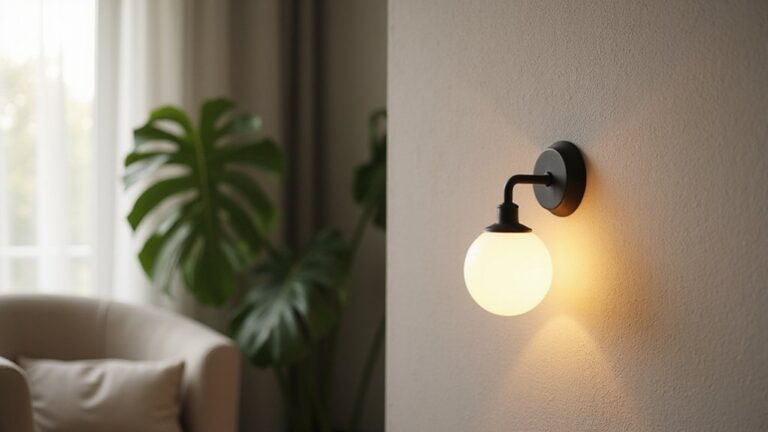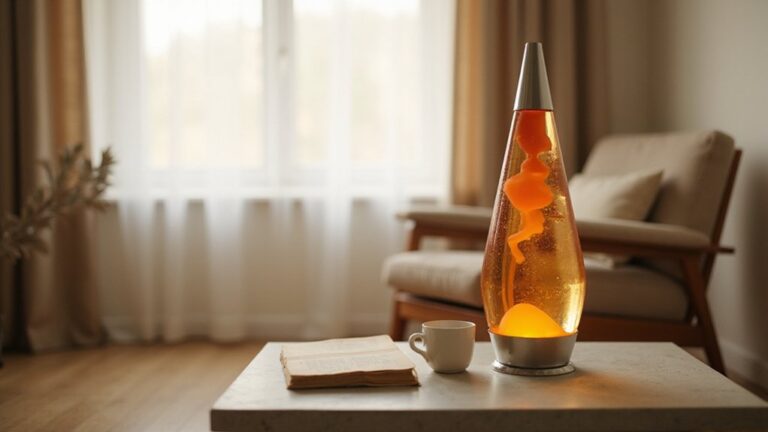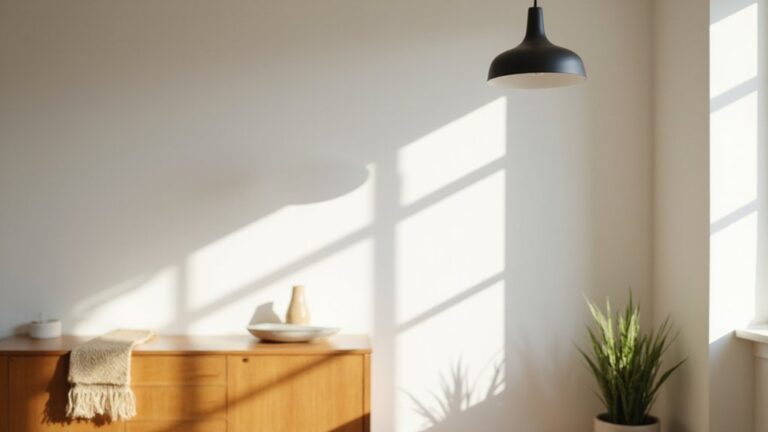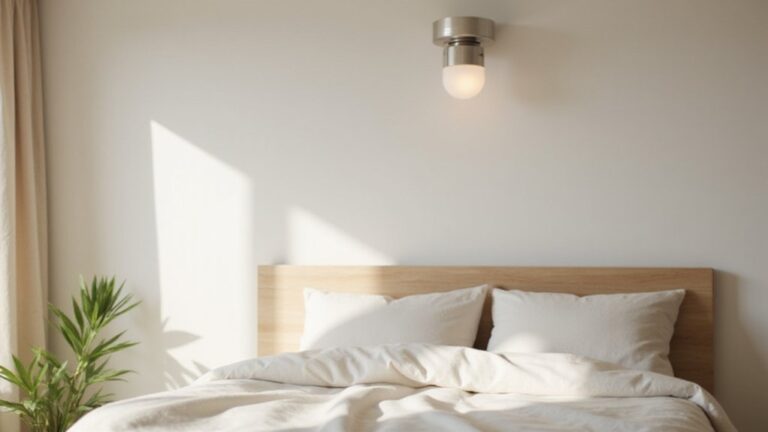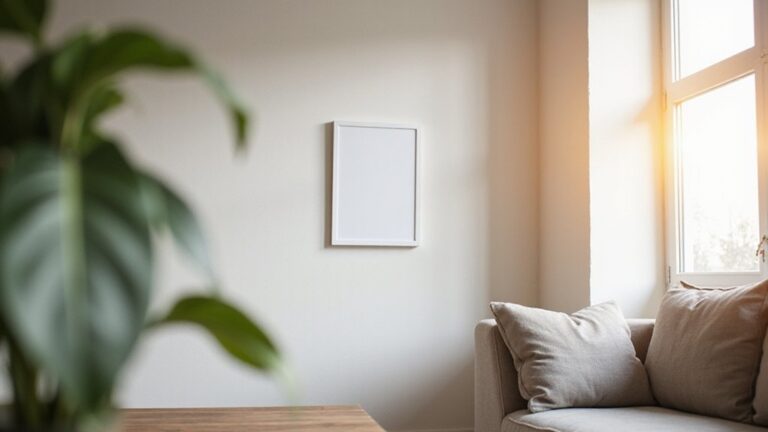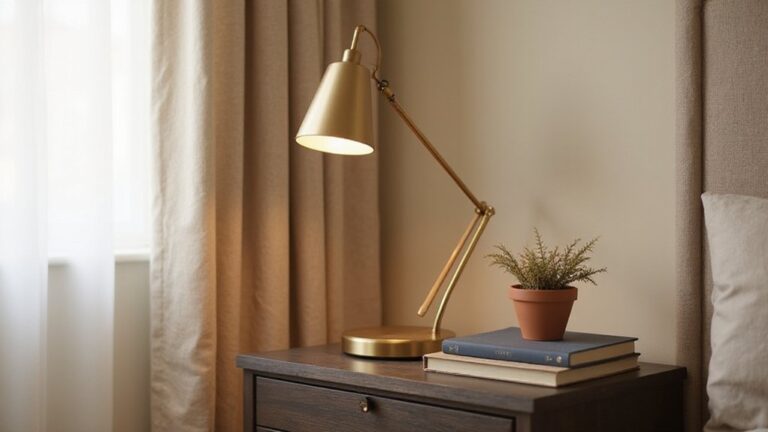
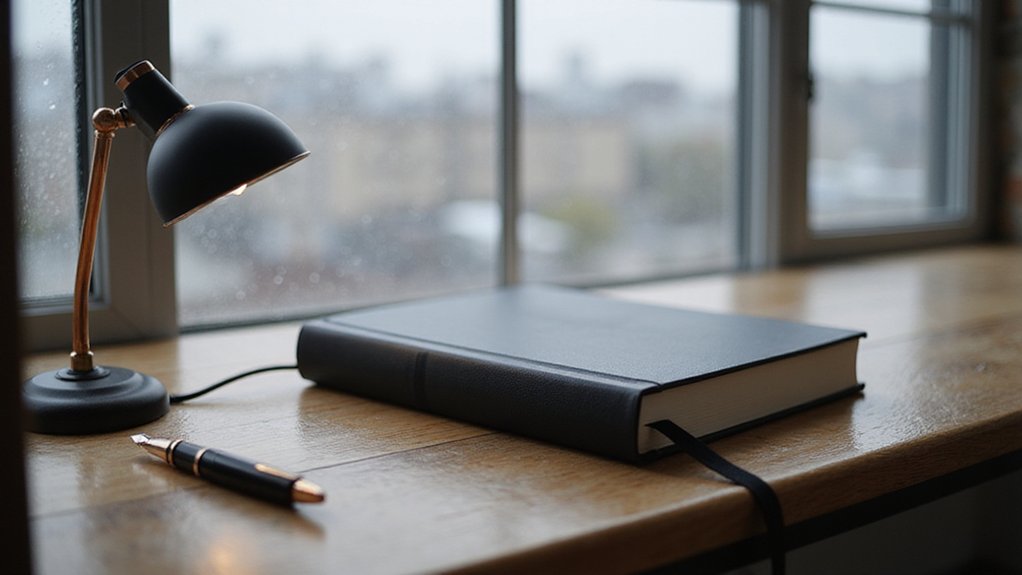
Ever wonder how photographers and videographers make a scene look natural or set the perfect mood without relying on artificial lights? Ambient light — the natural or existing illumination in a space like sunlight, moonlight, or overhead fixtures — plays a big role.
Mastering how to use it can give you much more control over your images and videos. Keep reading to learn how to manage and enhance ambient light effectively.
What Is Ambient Light, Really?
Ambient light is the natural or existing illumination already present in your scene before you add or modify any light sources. It includes sunlight filtering through windows, overhead chandeliers, neon signs, or any other sources that surround the environment. Good ambient light should be omnidirectional, spreading wide beams typically between 60° and 120° to minimize harsh shadows. Paying attention to its color temperature is important; warmer tones around 2,700 K create a cozy, inviting atmosphere, while cooler tones near 4,000 K are better suited for task-oriented areas. To achieve soft, even illumination, use diffused light—applying materials like milky or frosted finishes—to scatter the beams of direct sources. This layer of light fills the space uniformly without creating distracting shadows, allowing you to move safely and comfortably. Since ambient light is the baseline you didn’t set but need to understand and control, mastering its qualities is crucial for achieving a balanced scene. For organizing your lighting equipment, consider using clear storage bins to keep diffusers and bulbs easily visible and accessible. However, if the LED bulb flickering occurs in your ambient light fixtures, it often indicates incompatibility with dimmer switches or poor driver circuitry. Proper 3-way dimmer switch wiring can help eliminate such flickering when controlling ambient light from multiple locations.
Why Ambient Light Matters for Photographers and Filmmakers
Ambient light is the natural or existing illumination present in your scene. It plays a crucial role for photographers and filmmakers because it shapes the overall mood, adds depth, and influences exposure. By observing how ambient light interacts with your subject, you can determine whether to emphasize shadows or highlight softness. For example, side lighting creates texture and dramatic depth, while an overcast sky provides diffused light that minimizes harsh shadows and maintains a gentle, even dimension. This approach relies on available light sources rather than artificial studio lighting. Deciding between a dedicated vanity or desk setup depends on how you prioritize style, cost, and function. Just as a top circle ottoman offers storage for home organization, ambient light provides a foundational layer of illumination that reduces the need for extra gear. A top dresser with mirror can similarly serve as a functional anchor for your space while reflecting light to enhance the room’s natural brightness.
To make the most of ambient light, you can adjust your camera settings. Set your white balance to between 5000 and 5750 Kelvin to match daylight conditions naturally. In low-light situations, increasing your ISO to 400 or 800 helps brighten the scene without introducing excessive noise—though be cautious of grain. Most importantly, prioritize locating the best ambient light before choosing your background. Positioning your subject in open shade or facing the brightest part of the sky often produces soft, flattering illumination. When you let ambient light do most of the work, you create images that feel authentic and compelling without added complexity.
What’s the Difference Between Ambient and Artificial Light?
The main difference between ambient and artificial light lies in your control over the source. Ambient light, like natural daylight, shifts in hue and intensity throughout the day, which means its color temperature varies naturally. In contrast, artificial lamps provide a fixed color temperature that remains consistent unless you intentionally change or reposition the light source.
However, an artificial source only acts as ambient light when its placement or direction is less noticeable or diffused. If you point an artificial light directly at a surface or toward a subject, you’re actively controlling its role, making it no longer just ambient. Ultimately, the distinction is about your intent—whether you’re allowing the light to influence the scene naturally or directing it deliberately.
How Camera Settings Control Ambient Light Exposure
To control ambient light exposure, your camera’s shutter speed is the most effective tool. It determines how long the sensor is exposed to the background light, allowing you to brighten or darken the scene without affecting flash exposure on your subject. Slowing the shutter from 1/200th to 1/60th of a second can significantly increase ambient brightness, but you need to stay at or below your camera’s sync speed—usually around 1/200th or 1/250th second—to avoid sound or image cutting off. Underexposing the ambient by approximately 2/3 stop is a common technique to make the subject stand out against the background. For optimal results in your setup, consider using LED bulbs with a high color rendering index to ensure accurate color temperature in your ambient light. For a more consistent lighting surface, you can follow easy steps to attach LED strip lights along the edge of your background. If you are mounting these lights overhead, replacing a ceiling fixture can be a straightforward way to integrate ambient sources.
Aperture also influences ambient light but in a dual way: opening it wider increases both ambient and flash light, impacting your exposure balance. Think of aperture as your first step in setting subject illumination, then adjusting it to control background brightness. ISO is your last resort for ambient control; increasing it to 400 or 800 can brighten the scene without adding excessive noise, although it also boosts flash exposure. Using manual mode gives you the full control needed to fine-tune the ambient-flash relationship precisely.
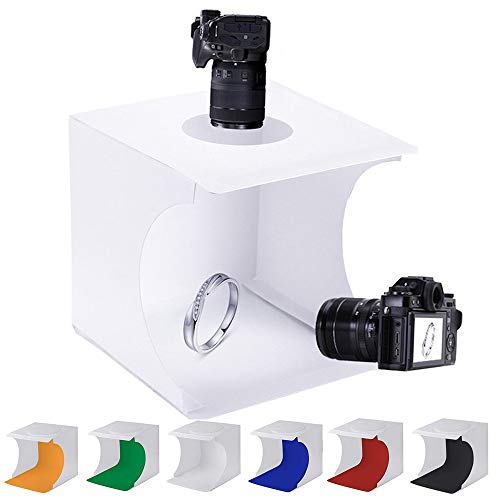
✔ SPACE SAVING - Coming with folding design, more convenient to install and carry, built-in led light, providing average light and prevents shadows and reflections in your photos.

Circle Backdrop Cover with Lights: Products include: 7.2ft black round arch backdrop covers, a set of 9.8ft x 23.6 in warm white string light and 12pcs Transparent clips (no remote control).

【Adjustable Temperature and Brightness】Integrate 160 high-quality LED Light Beads with Dimmable Range 1%-100%, You can easily adjust the brightness to get the desired lighting effect. 3200-6500k color temperature to meet all your needs for photos in different situations.
How to Modify Ambient Light Without Losing Its Natural Feel
To modify ambient light without losing its natural feel, focus on layering and positioning your light sources carefully. Use a combination of uplighting and downlighting to create balanced illumination that mimics natural daylight. Place spotlights behind accent chairs or plants to produce a soft glowing silhouette that adds depth without harsh shadows. Incorporate wall sconces or tall floor lamps strategically to introduce layers of light, creating a sense of movement and a floating effect that enhances the room’s natural brightness. To achieve this, use larger light sources for diffused, softer light that avoids harsh shadows. A DIY approach to building a custom hat rack can also double as a way to mount uplights at a specific height for even softer overhead illumination. For windows that let in too much direct light, installing blackout blinds can help control the intensity without completely blocking the natural feel of the room. Understanding how cordless blinds operate allows for easy adjustment of light throughout the day without cumbersome cords.
Choose bulbs with warm white or soft white tones to maintain a cozy, inviting atmosphere. Installing dimmer switches allows you to adjust the light levels for different activities, ensuring the ambient light remains subtle and comfortable. Avoid mixing different color temperatures in the same space, as this can disrupt the room’s natural harmony. During daytime, keep windows unobstructed by heavy curtains to maximize natural sunlight, and add mirrors to reflect and amplify incoming light. Painting the walls in white or light neutral shades further boosts brightness and preserves the natural ambiance.

RELIABLE & STYLISH FLOOR CAN LIGHT - All components are UL certified, including light bulb, lamp holder, cable and switch, safe and durable. White metal construction, 8" high × 3.5" wide beveled cylindrical shape give the uplights fashion and art, perfect for indoor accent lighting.

AMBIENT & TASK LIGHTING: Torchiere uplight fills rooms with soft illumination, while adjustable reading arm targets specific areas for work, reading, or relaxing.

RELIABLE & STYLISH FLOOR CAN LIGHT - All components are UL certified, including lamp holder, cable and switch, safe and durable. Black metal construction, 8" high × 3.5" wide beveled cylindrical shape give the uplights fashion and art, perfect for indoor accent lighting.
Using Ambient Light as Your Only Light Source
Ambient light is the natural or existing illumination present in a scene, such as sunlight, moonlight, or built-in fixtures. Relying solely on this light means working with what’s already in the environment, without introducing additional sources. The color temperature of ambient light typically falls between 2,000 and 3,500 Kelvins. This warm range is ideal for creating mood, lending scenes a cozy, authentic atmosphere. For example, a budget-friendly DIY approach can help you control how ambient light interacts with your space. To ensure the window itself contributes to the glow, you may need to remove old window film that can block or discolor incoming natural light.
To work effectively with ambient light, position your main source outside the camera frame to prevent blown-out highlights, or place it within the scene for a more dramatic effect. Your exposure setting should align with the desired mood: underexpose to emphasize shadows and create a moody tone, or overexpose for a bright, airy look. Use your camera’s meter to match the exposure to the ambient light’s reading, ensuring the scene looks natural. The goal isn’t to control the light outright but to shape its influence to match your creative vision. Readers can explore top-performing night lights to see how artificial sources replicate this warm, ambient glow for consistent results.
Three Mistakes That Ruin Ambient Light Photos
Ignoring your camera’s maximum sync speed, which is usually around 1/200 to 1/250 seconds, ruins ambient light photos. Shooting slower than this floods the frame with ambient light, causing motion blur and curtaining effects that block parts of your subject. This not only distorts the image but also introduces color contamination, tainting your tones and weakening the impact of your flash. Always verify your camera’s sync speed and adjust your shutter accordingly to keep your flash and ambient light working in harmony. Conducting an exposure test without your flash triggers confirms whether ambient light influence is present before you begin shooting. To further control color contamination, consider wiring LED strip lights as a practical DIY solution for adding consistent fill light. Using metal curtain rings helps prevent unwanted reflections that can introduce stray light into your scene.

ULTRA-BRIGHT UNIFORM LIGHT: 10mm width; The COB LED strip features a unique transparent diffuser that integrates 1,600 high-density micron-level LED. 180° wide-angle light cascade delivers 98% greater uniform illumination and coverage than other COB strips. CRI 90+ and high luminous efficacy ensure vibrant colors. 24V low-voltage design for reliable use, perfect for kitchen and bedroom lighting

USB powered: The working voltage is 5V and can be powered by USB, It can be connected to power bank, mobile phone charger, computer, TV, etc (Not included USB power adapter)
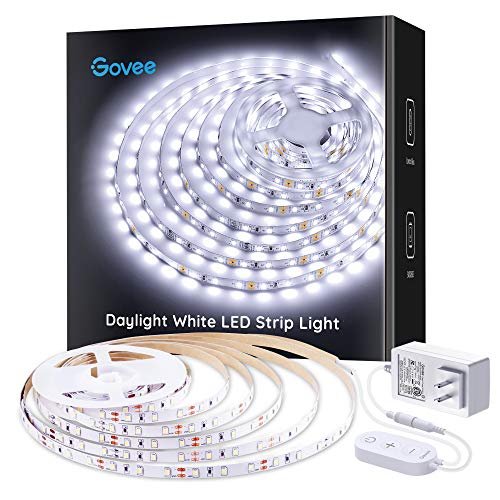
Bright LEDs: With 300 LEDs and 6500K color temperatures, you'll enjoy an incredibly bright illumination with improved color quality. The led strip lights for bedroom can light up your classroom, cabinets, mirrors, ceiling and any corners with ease.
How 3D Rendering Uses Ambient Light to Avoid Black Shadows
Pure black shadows in 3D renders make scenes look flat or fake because they lack ambient light, which is essential for realistic shading. Instead of sharp, black regions, you need a non-directional form of indirect illumination that simulates light diffusion from surrounding surfaces. This ambient light softens harsh shadows and ensures that even areas not directly lit by a primary source still remain visible. Typically, you set this by using a low brightness intensity around 0.1 to 0.15, which provides just enough fill without overwhelming the scene. Organizing your digital assets in storage baskets can help keep your project files tidy and efficient. You can also tweak the color temperature of the ambient light to match the overall mood, whether warm or cool. Ambient light interacts with effects like Ambient Occlusion to fill in underlit or creased areas, revealing surface details that would otherwise vanish in darkness. For a DIY closet project, selecting budget-friendly materials helps you achieve a custom look without overspending on expensive components. It helps prevent overly contrasty or burned-out spots, balancing the scene so that differences between light and shadow are subtle rather than stark. In current versions of LightWave, a dedicated ambient light is absent, but you can emulate ambient light by using environment lights. With this approach, you create soft, realistic shadows that enhance depth and dimension, making your scene feel more convincing and less flat. Unlike ambient light, LED lighting provides direct, high-efficiency illumination for physical spaces rather than soft indirect fill for 3D renders.

Smart App and Voice Control: Govee wall decorations indoor light bar adjust RGBIC Gaming lights hands-free via Alexa and Google Assistant. Bluetooth and WiFi control colors, brightness, and scene effects on the Govee Home App. Plus, AI Lighting Bot 2.0 turns speak, text, or snap into personalized effects, and refines them through conversation—making lighting smarter and truly bespoke. Note*: Please connect ALL the bars before plugging in the power.
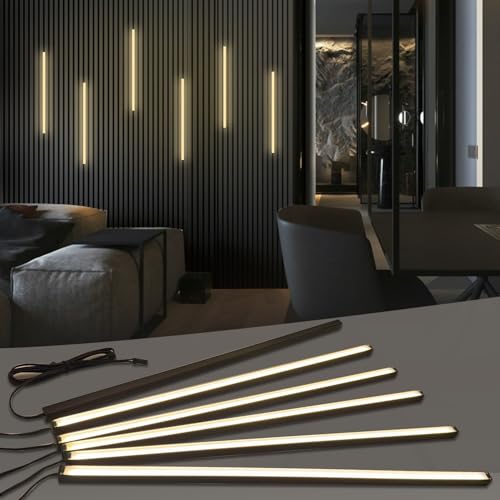
𝐅𝐮𝐬𝐞𝐝 𝐁𝐥𝐚𝐜𝐤 𝐂𝐨𝐥𝐥𝐞𝐜𝐭𝐢𝐨𝐧: This wall panel lights set Includes 6-piece of 16-inch 12V black LED strip lights. These slat wall lights feature black aluminum profiles, matte black diffuser covers and 3.1m black extension cables for flexible wiring. The 𝟎.𝟒-𝐢𝐧𝐜𝐡 𝐰𝐢𝐝𝐞 all-black wall panel LED lights seamlessly blends into slat panel gaps, easy to conceal and ideal for decorative black, matte black, gray oak, teak and black walnut wood slat wall panels etc. (𝐍𝐨𝐭𝐞: 𝐈𝐏𝟑𝟎 𝐍𝐨𝐭 𝐖𝐚𝐭𝐞𝐫𝐩𝐫𝐨𝐨𝐟 𝐖𝐢𝐫𝐞𝐝 𝐋𝐢𝐠𝐡𝐭 𝐒𝐭𝐫𝐢𝐩 𝐡𝐞𝐢𝐠𝐡𝐭: 𝟎.𝟒". 𝐏𝐚𝐧𝐞𝐥 𝐭𝐡𝐢𝐜𝐤𝐧𝐞𝐬𝐬 ≥𝟎.𝟒𝟑" 𝐢𝐬 𝐫𝐞𝐪𝐮𝐢𝐫𝐞𝐝 𝐟𝐨𝐫 𝐟𝐥𝐮𝐬𝐡 𝐢𝐧𝐬𝐭𝐚𝐥𝐥𝐚𝐭𝐢𝐨𝐧.)

Compatible with BMW 3 Series F30 F31 2013-2018 and 3 Series GT 3GT F34 2014-2019 and 4 Series F32 F33 F36 2014-2019 and M3 M4 F80 F82.
Ambient Lighting for Home Design: Warmth Without Harshness
To create ambient lighting without harshness, choose warm color temperatures between 2700K and 3000K. These mimic the cozy glow of sunset and instantly make a room feel inviting. Opt for “warm white” bulbs rather than cooler options like daylight or cool white, which can produce a colder, more clinical atmosphere. Using opaque shades on fixtures helps diffuse light evenly and reduces glare, contributing to a softer, more comfortable environment.
Strategic placement of fixtures enhances the gentle glow. Position lamps and wall sconces below head level to focus light on horizontal surfaces such as tables and floors. This technique prevents harsh overhead illumination and creates a layered effect. Filling at least three corners of a room with different height fixtures adds depth and avoids dark shadows. Installing dimmer switches provides control over light intensity, allowing you to brighten the space for activities or dim it for evening wind-downs. Painting walls in warm tones like cream or beige helps reflect light and amplifies the cozy ambiance, while adding fabric hangings introduces texture and further softens the overall lighting effect.

Replacement Soft White Bulbs: Make your home more energy efficient with our soft white LED light bulbs; Relax HD Light Bulbs offer a warm, soft white light that is perfect for comfortable moments and cozy spaces

Our LED lights dim to the warm tones of traditional bulbs allowing you to easily change the ambience from functional to an inviting atmosphere.

【Par38 Halogen Bulbs】Par38 flood light bulb is 80W, suitable for a variety of light sources. 2700K warm white light can create a comfortable environment. This PAR38 halogen flood light delivers powerful, focused lighting for various applications.